Logging in
Logging In to the NUVIEW Platform
Navigate to https://platform.nuview.space to access the login page.
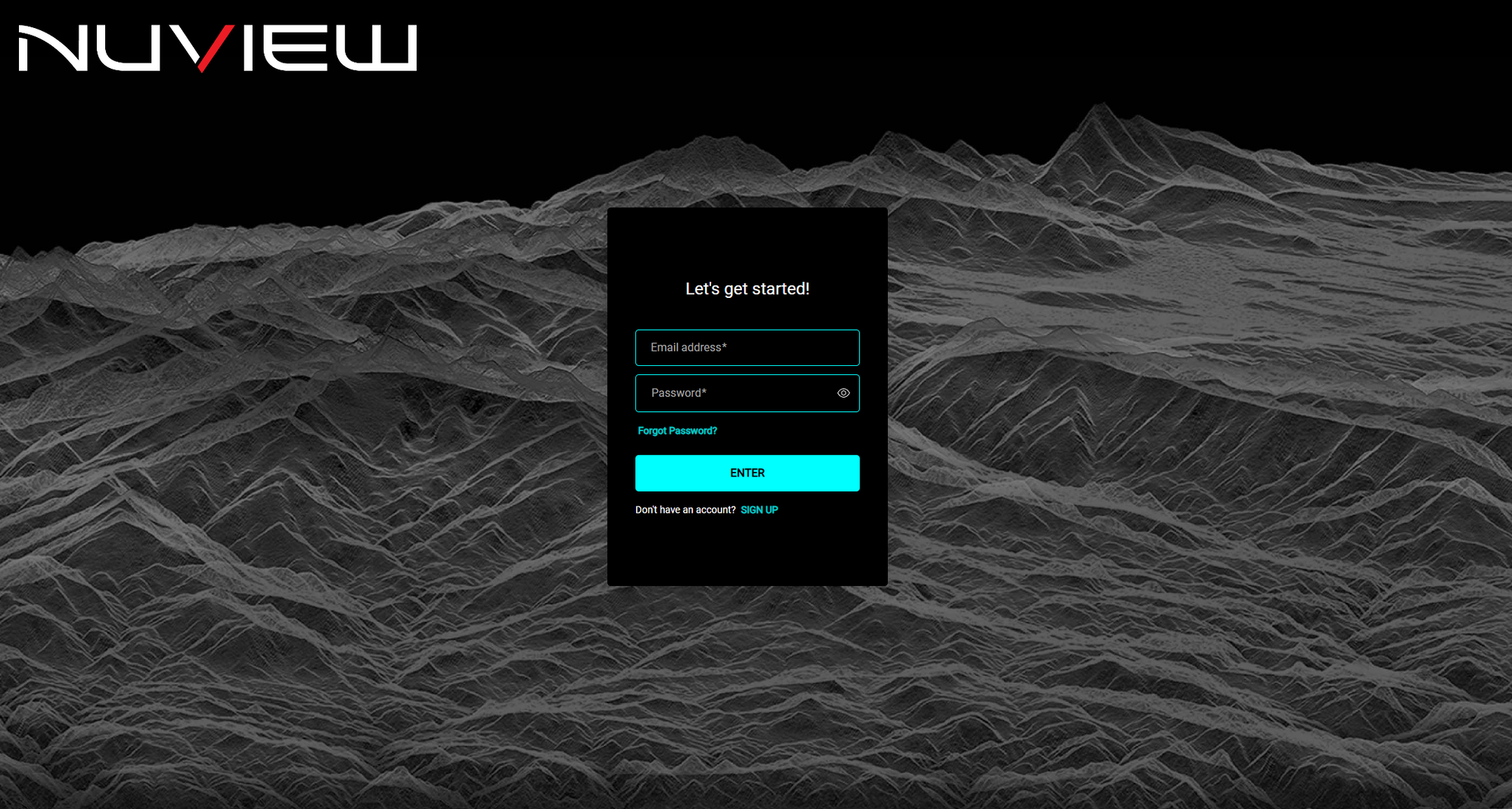
Enter your email address and password, then click ENTER.
If you've forgotten your password, click Forgot Password? and follow the instructions sent to your email.
If you don't have an account yet, click SIGN UP at the bottom of the login form.
First-Time Login
Account Created for You
If a team administrator created your account:
- Navigate to https://platform.nuview.space.
- Click Forgot password? to set your password — an email will be sent to your inbox.
- Click the link in the email and enter your desired password.
- Return to the login page and sign in with your new credentials.
Creating Your Own Account
- Contact NUVIEW to set up a subscription — schedule a demo to get started.
- Once subscribed, navigate to https://platform.nuview.space and click SIGN UP at the bottom of the login form.
- Fill in your email address and password, then click ENTER.
- Check your email for a verification link and follow the instructions.
- Log in using your new credentials.