Invite a teammate
This article describes how to invite a teammate to your NUVIEW Platform account.
-
Log in to https://platform.nuview.space.
-
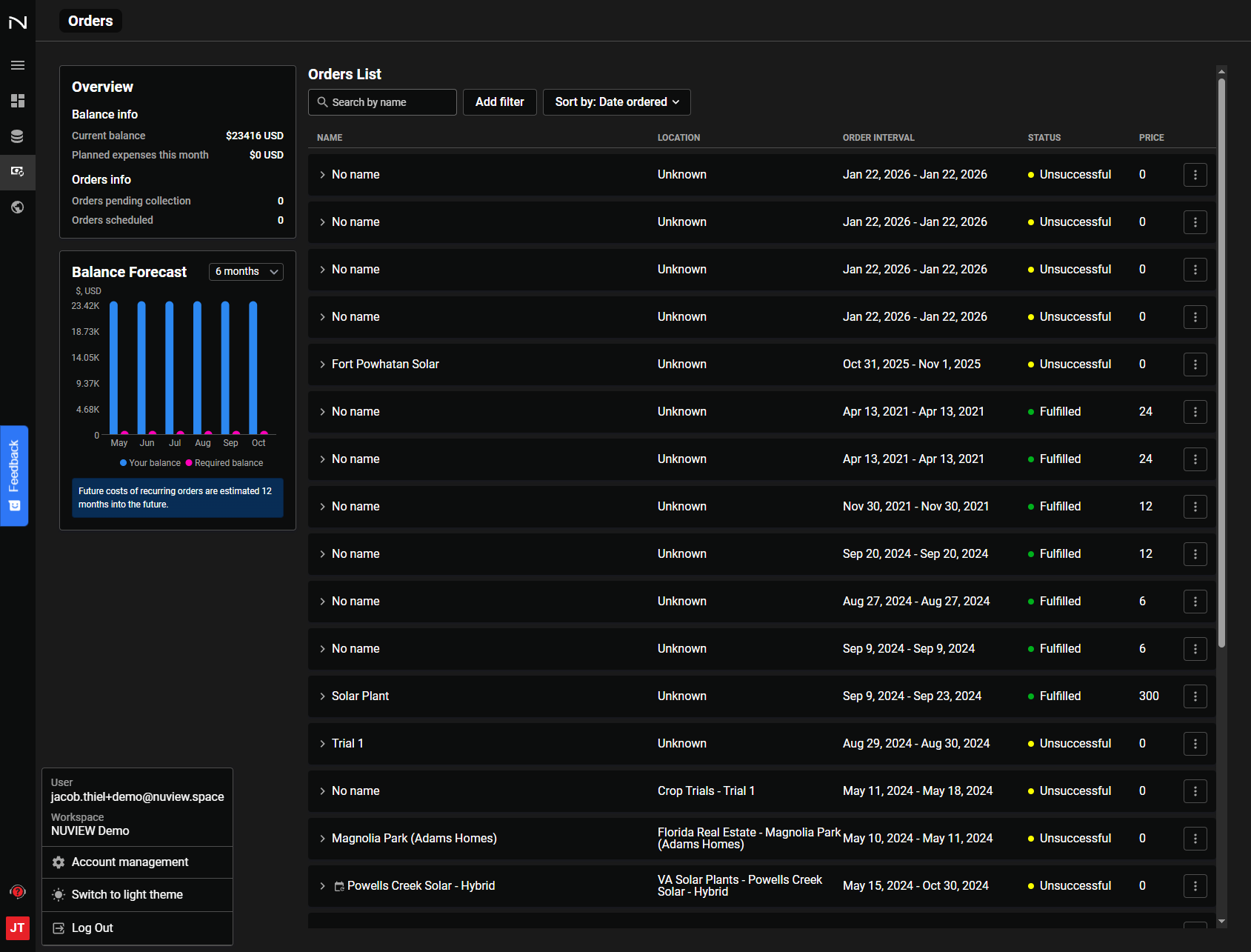
Click your initials in the bottom-left of the navigation bar.
-
Select Account Management from the menu.
-
In the Account Management area, navigate to Team Management.
-
Click Invite Users and enter your teammate's email address.
-
Select the appropriate Team Role:
- Admin — Can invite new users and manage team settings.
- Member — Full access to the platform.
- Restricted — Read-only access (cannot access account management).
-
Click Invite. Your teammate will receive an email with instructions to join the team and set up their account.
Bulk Invitations
If you have many team members to invite at once, contact support@nuview.space — the team can enable a shareable invitation link for your organization.
Next Steps
After inviting a teammate, assign them a seat to grant access to the specific platform tools included in your subscription.